01
AI reception, phone and chat
Welcome customers, answer their questions and help them take the next step, even outside opening hours.
- French and English
- Your business knowledge
- Appointments and messages
Your customer platform, powered by AI
Callomi brings together AI phone and website reception, booking, your team calendar, customer records and reminders. One platform to welcome customers, organise work and keep the conversation going.
French and English · Features by plan · Desktop and mobile
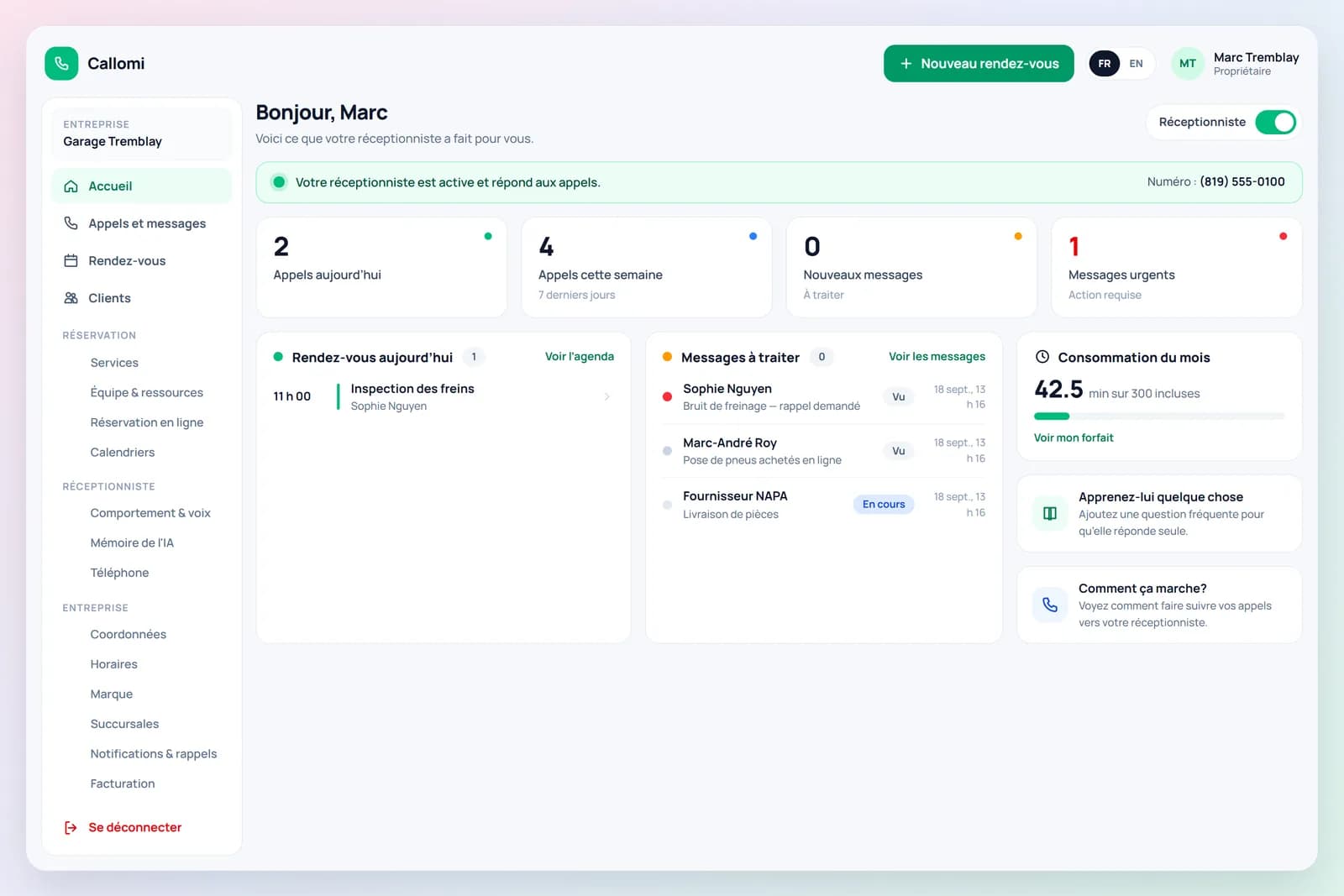
Appointments, calls and messages, together in your portal.
Portal screenshots with example data. Features depend on your plan.
Answer questions and capture requests.
Book the right service at the right time.
Keep customers and your team informed.
Your whole platform
Every conversation has a next step. Callomi connects reception, scheduling and customer follow-up so your team has the information it needs.
Welcome customers, answer their questions and help them take the next step, even outside opening hours.
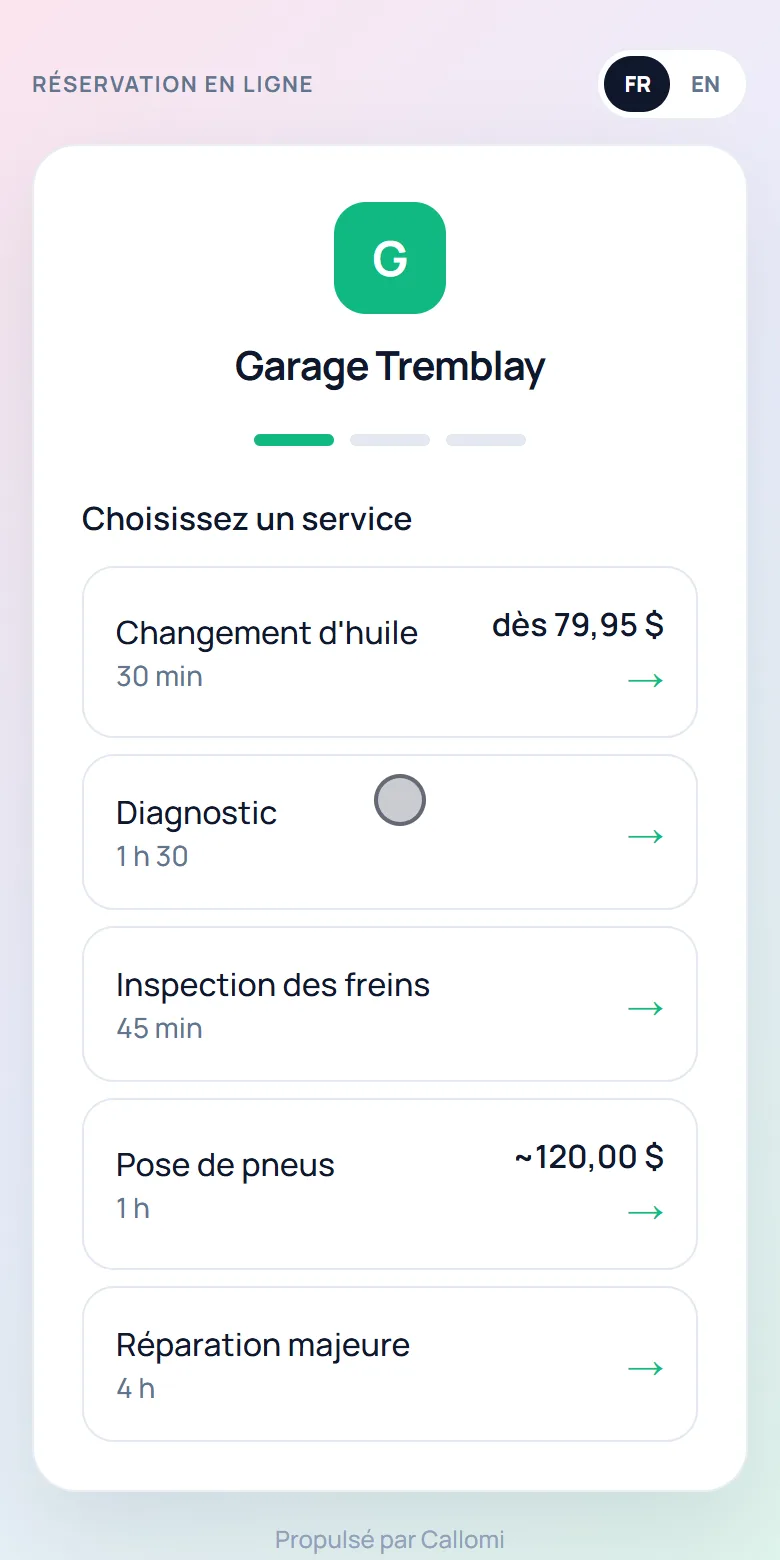
Give customers a direct link to choose a service and a time that is actually available.
Approval and estimate modes: Pro and up.
Organise the people, rooms, chairs or bays your services need in a shared calendar.
Find the customer, the appointment and the conversation so your team can pick up where things left off.
Customer CRM: Pro and up.
Keep the customer informed and give your team a clear view of the requests to handle.
Give the receptionist the information that matters: services, opening hours, prices and business policies.
Features and limits vary by plan. See plan inclusions
One connected journey
Customers take the next step. Your team keeps the context along the way.
They call, ask a question in your chat or open your booking link.
Availability follows your services, opening hours and required resources.
The appointment follows your service's booking mode. Text confirmations and reminders keep the customer informed.
The calendar, customer record and messages give you the context for the next step.
Three ways to reach you
Customers choose the phone, chat or direct booking. You find their requests in your platform.
Forward your line to Callomi. The receptionist answers in your business name, checks availability, books appointments and takes messages.
A chat widget answers from your business knowledge and helps visitors book. Choose allowed domains, colours and position for each website.
Discover website chatShare your link on your website, Google profile or social pages. Customers book directly into the same calendar as your receptionist.
Your team stays in control
A phone enquiry, an appointment booked on your website, a message to handle: everything needs a place. From your portal, review activity, adjust the calendar and pick up customer follow-up.
Spot urgent requests and see what still needs attention.
Find appointments, calls and messages in the customer record.
Connect Google Calendar or Outlook from Pro.
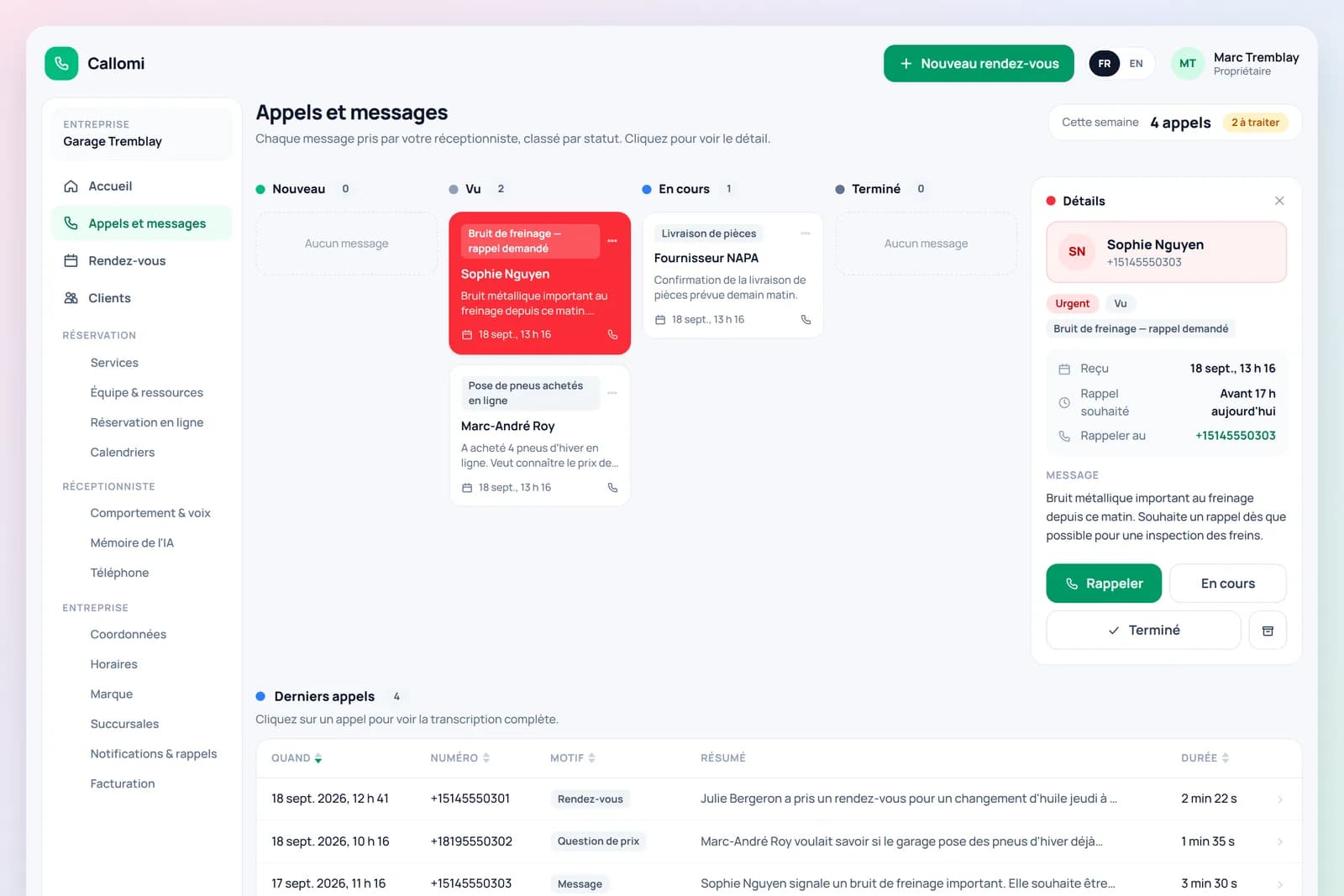
On desktop and mobile. Features depend on your plan.
Your business, your rules
Each service can follow its own booking process. Choose what gets confirmed immediately and what your team needs to review.
A service, an available time, a confirmed appointment.
Hair appointments, maintenance, care.
Review the requested time before confirming it.
Consultations, tattoos, repairs.
Collect the project details before arranging the next step.
Renovations, painting, custom work.
Approval and estimate modes: Pro and up.
The restaurant module manages tables, service periods and party size. Phone, chat and your online link can take reservations according to your rules.
Explore the features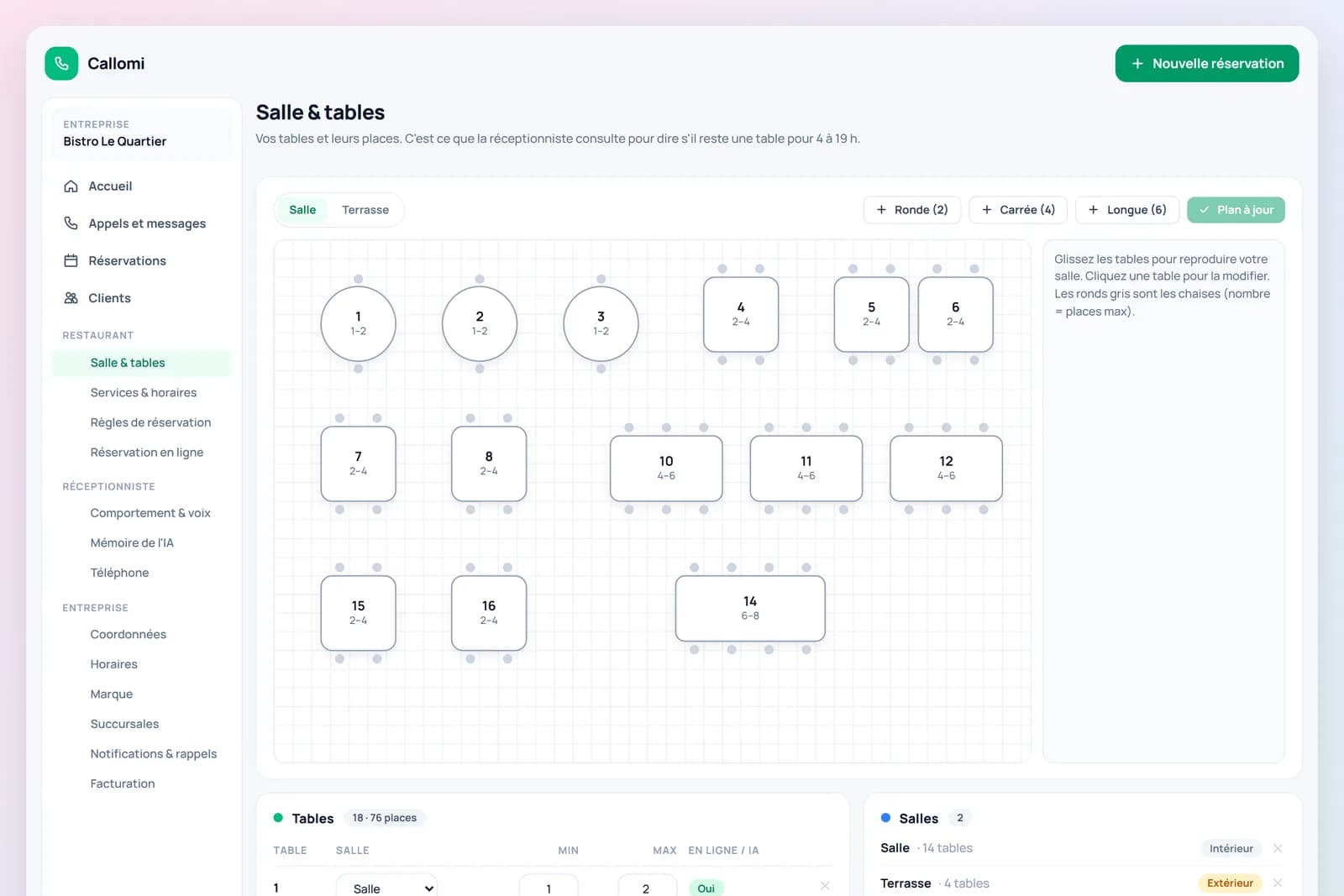
Offer newly available times to customers waiting for a spot.
Manage each branch's team, opening hours and number with Growth.
Give your team access to the portal with roles suited to their work.
See Callomi in action
Explore the portal views at the top of this page, watch an online booking or try the phone receptionist.
Phone demo
Ask a question about Callomi or request an appointment. Experience how the receptionist would answer your customers.
At your pace
Booking, AI reception and follow-up tools come together in one platform. Choose your plan, then set up your business.
See how to get startedConfirm your email and choose the plan that fits your business.
Add your services, team, opening hours and business knowledge.
Share your booking link, add website chat and forward your phone line when ready.
Before you get started
Yes. Your booking link and calendar can be used without forwarding your phone line. Compare the plans to choose the features you need.
Yes. They use the same business services and availability rules. Website chat asks visitors to confirm before creating a booking or sending a message.
Yes. Calendar synchronisation is available from Pro. Callomi reads busy times and writes appointments to connected calendars.
The features and limits vary by plan. Customer CRM, calendar sync and the approval/estimate modes start at Pro. Multi-location features are available with Growth. The pricing page lists the current inclusions.
Make room for what's next
Bring reception, scheduling and customer follow-up together with Callomi. Compare the features and choose what works for your business.
Booking from $49/month · With AI reception from $129/month
7-day trial · Prices in Canadian dollars · Features and limits vary by plan